

Source editor
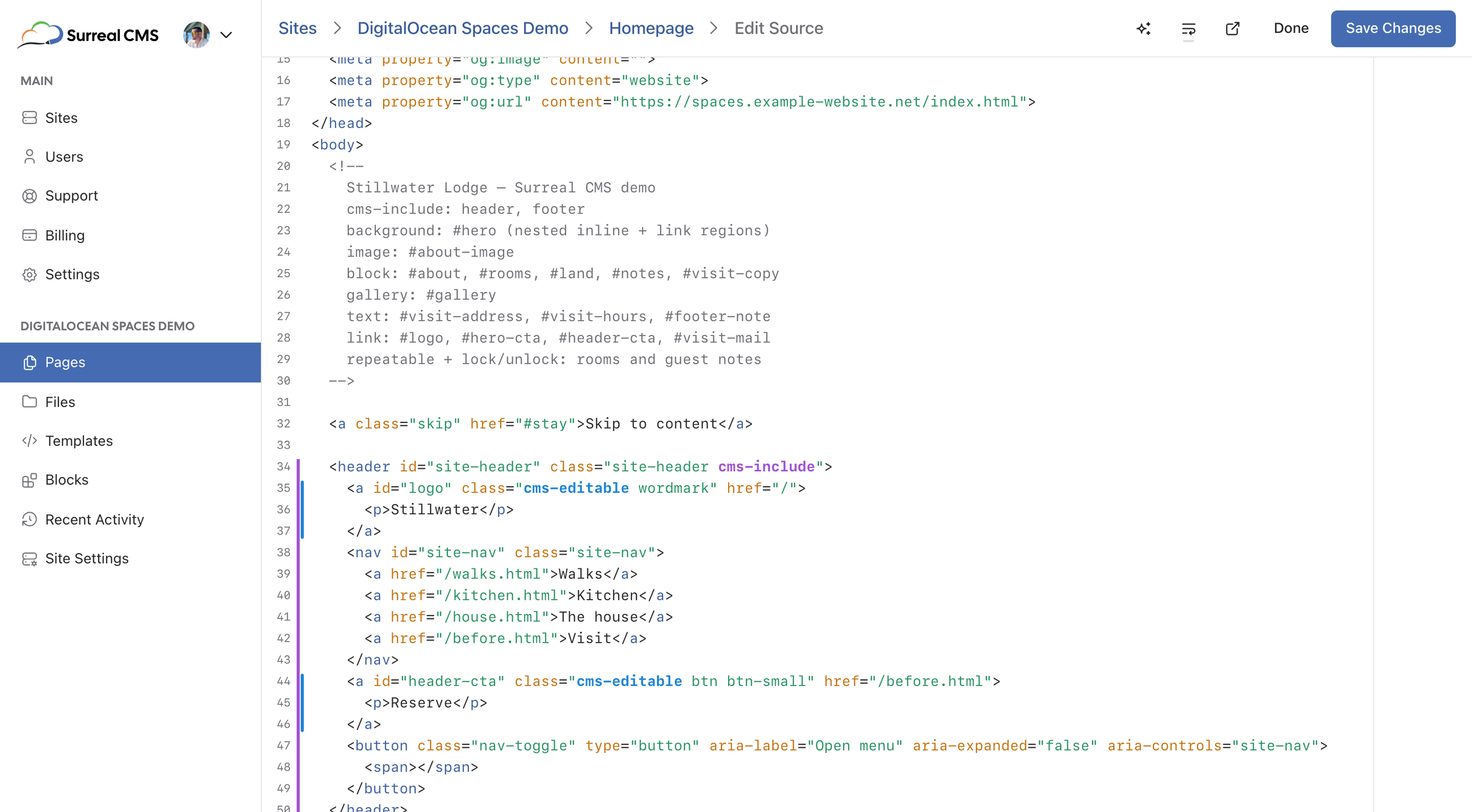
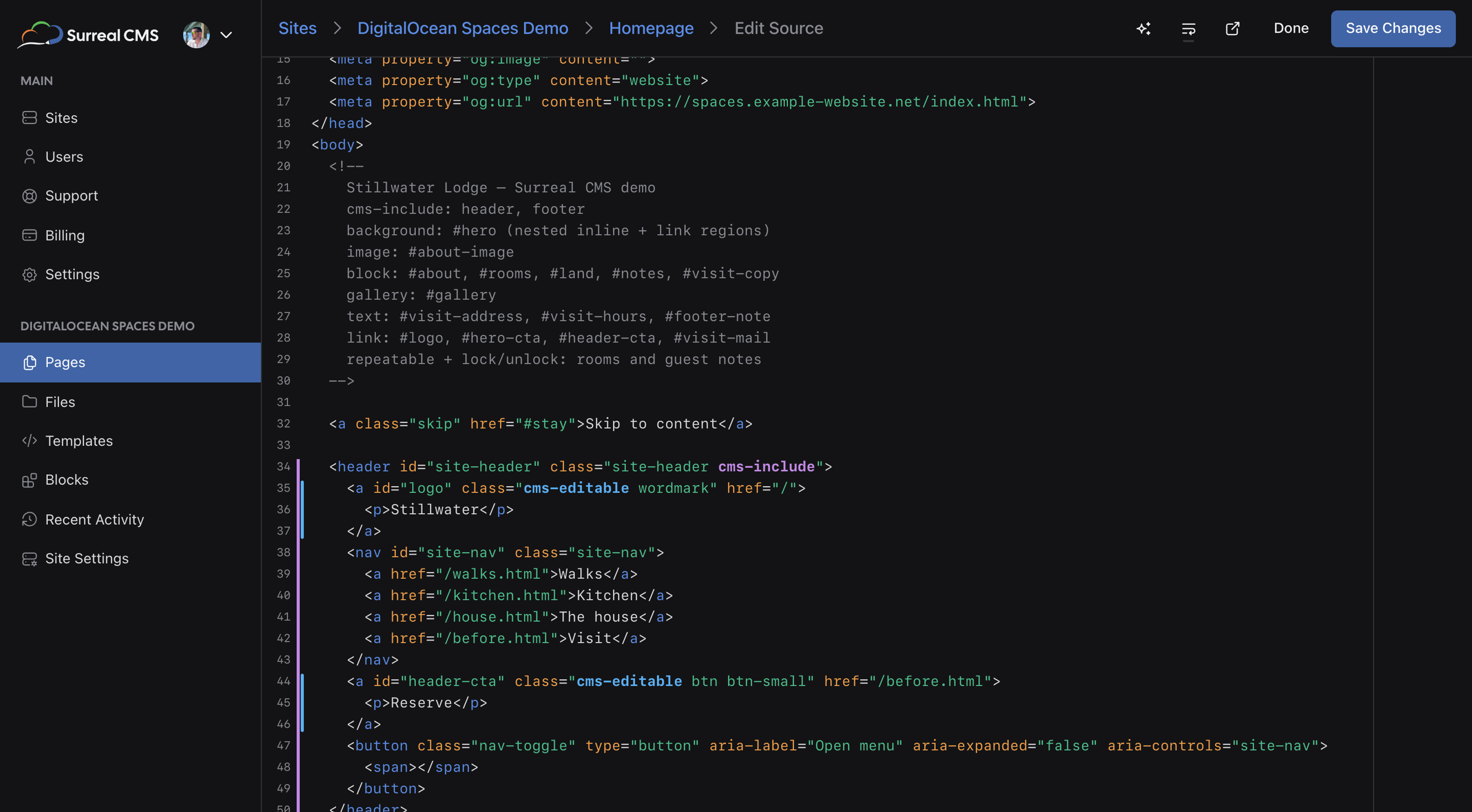
The source editor lets you edit the full HTML source of any page. You can use the source editor to add content regions or make any other changes that you can't make in the visual editor.
The editor features syntax highlighting, bracket matching, and multiple cursors. It will also highlight
special classes such as cms-editable for convenience. Only administrators can edit a
page's source.
To access the source editor, open a page for editing and select Source at the top of the editor. CSS, JS, JSON, and TXT files always open in the source editor, for clients as well as administrators.
To save your changes, select Save Changes.
Warning
Changes made in the source editor will not be saved as a revision, so you can't restore them later. The activity log records that the source was edited, but not what changed.
Integration problems
The source editor underlines markup that won't work the way you expect. Hover over an underline to see what's wrong. It flags:
- Duplicate ids
- Content regions and includes without an id
- Content regions nested inside other content regions
- Unsupported elements used as content regions
cms-repeatableandcms-lockoutside of a content regioncms-unlockoutside of acms-lockelementcms-ignorecomments without a matching opening or closing comment- Deprecated legacy classes, along with the class to use instead
To learn how to avoid these problems, see integration best practices.