

Your CMS, with your name on it
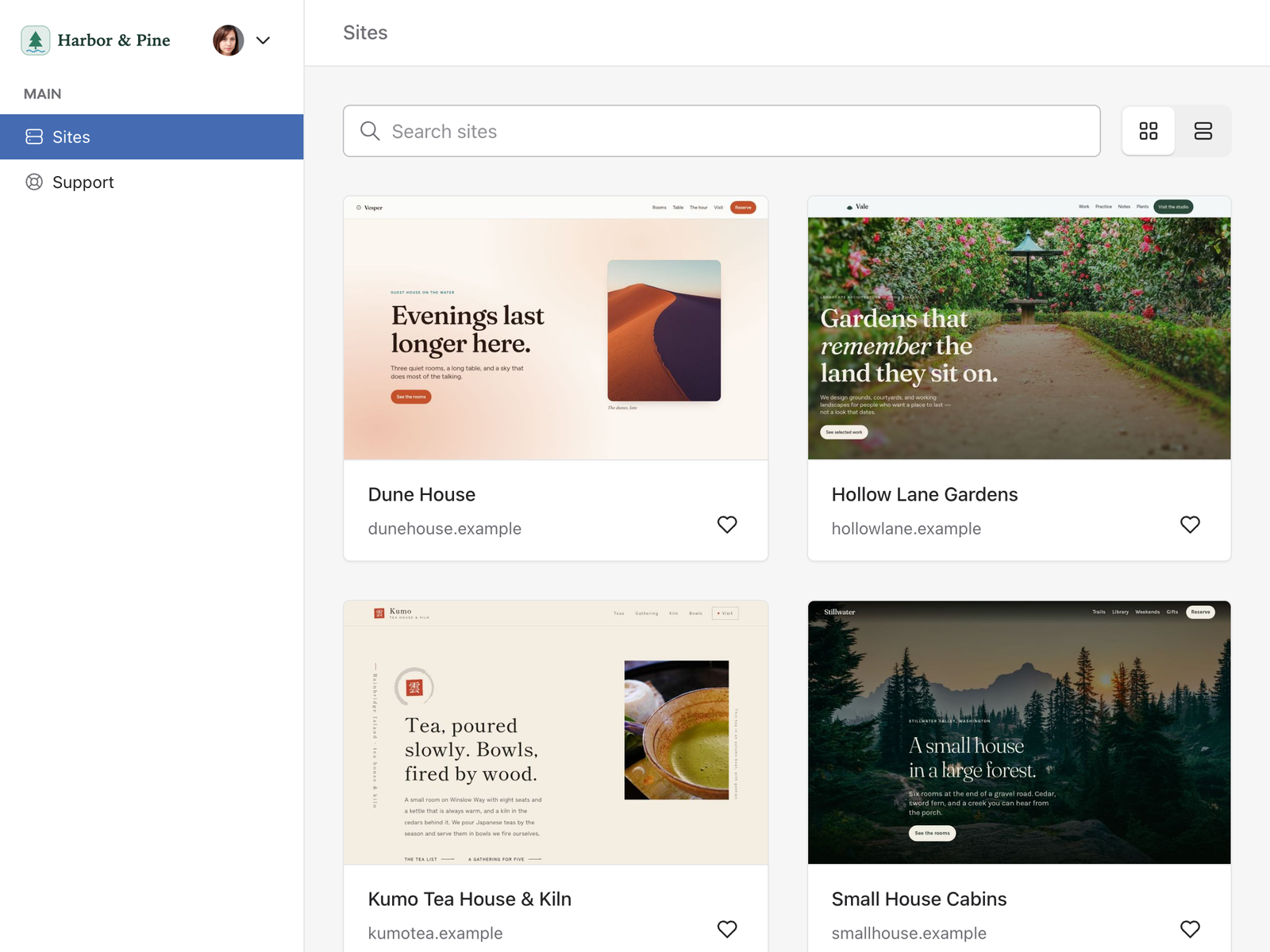
Give your clients a content management system with your name, logo, brand color, and login address. They log in to your product, and they come to you for help.
Included with the Agency plan or higher.
 Login | Harbor & Pine
harborpine.clientcms.com


Your brand, wherever your clients look
Set it up once in Settings, and every client on your account sees it.
Your own login address
Clients log in at yourname.clientcms.com, a neutral address that doesn’t mention us. Your name replaces ours on the login page and throughout the app, browser tab included.
Your logo in light and dark
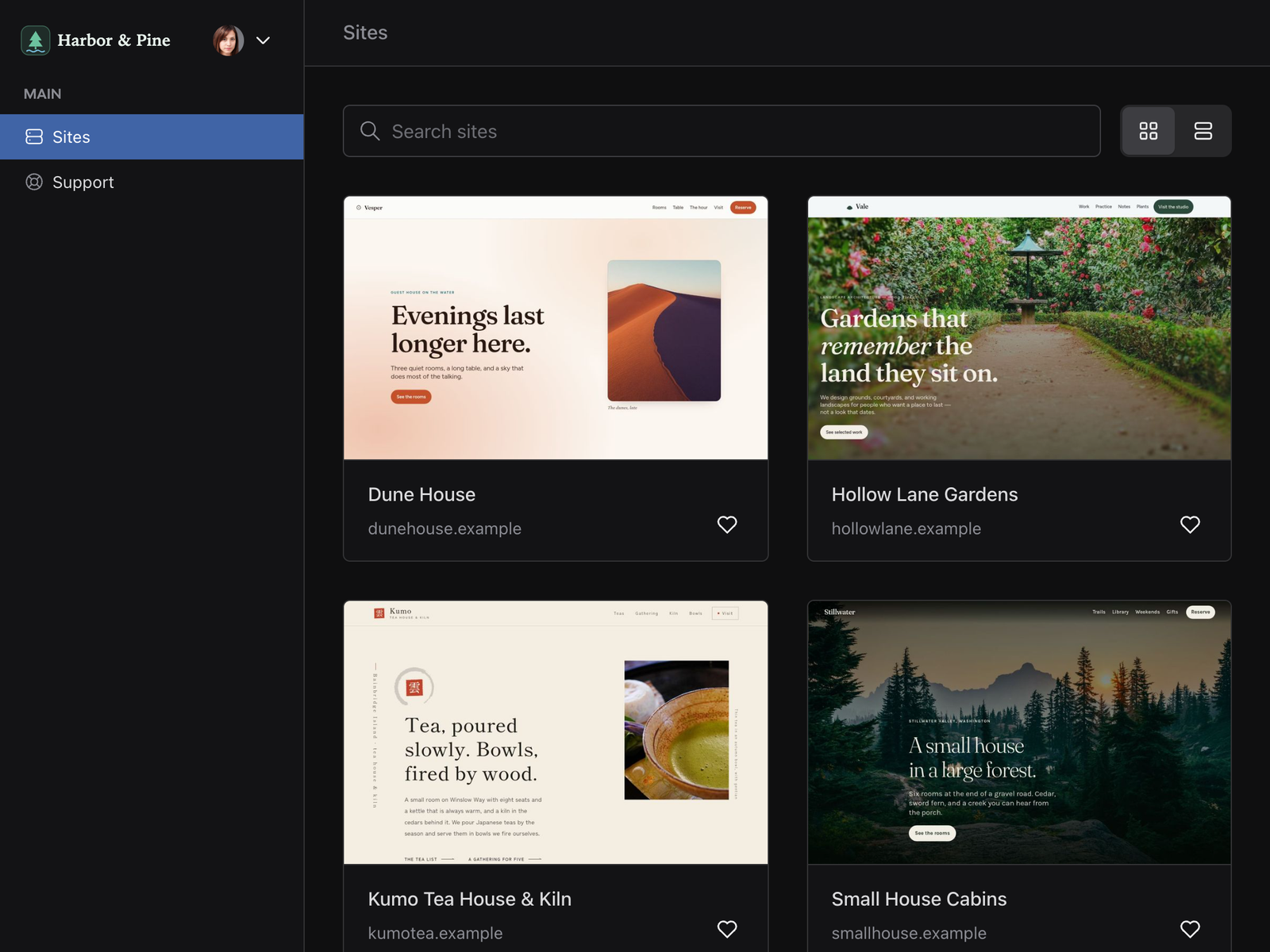
Add a logo for each theme, so it looks right whichever one your client picks. It sits at the top of every screen and on the login page.
Your icon in every tab
Your favicon shows in browser tabs and bookmarks, and on the home screen when a client saves the app to their phone.
Your brand color
Pick one of 18 colors for buttons, links, and highlights. It’s used for everyone on your account, in light mode and dark.
Emails from you
Invitations and change notifications go out under your name and logo, and their links into the app go to your address. So do password resets requested from your login page.
Help comes to you
The Support link opens your own help page. If you don’t set one, your clients’ requests are emailed to you. When they log out, you can send them to your website.
Branded from the invitation to the logout
- Their invitation says Welcome to Harbor & Pine, with your logo and a link to your address.
- The login page shows your logo and name, with no link to sign up with us.
- Every screen has your name in the tab, your logo in the corner, and your color on the buttons.
- The Support link opens your help page or sends the request to you.
- When they log out, they land on your website or any page you choose.
A CMS you can put on the invoice
Clients don’t need a plan of their own. They edit in your account, so the CMS can be part of your care plan, your hosting fee, or its own line on the invoice. What you charge is up to you.
You get unlimited users, change notifications, an activity log, and the developer API with it. The websites stay on the hosting you already use, so there’s no CMS for you to host or update.
Your clients see your brand. You still get our support.
White-label only changes what your clients see.
What your clients see
- Your name, logo, and color on every screen
- Your own address at yourname.clientcms.com
- Invitations and change notifications from you
- Your help page, or your inbox, when they need help
What you still get
- Our support, with priority support on Studio
- Our docs, linked only for you and your admins
- Unlimited users, each with the websites and pages you choose
- Websites that keep working if you ever leave
Ready to set it up? The white-label docs walk through each setting.
So simple, it’s Surreal
Free for personal, educational, and non-profit websites.
By signing up, you agree to the terms of service.